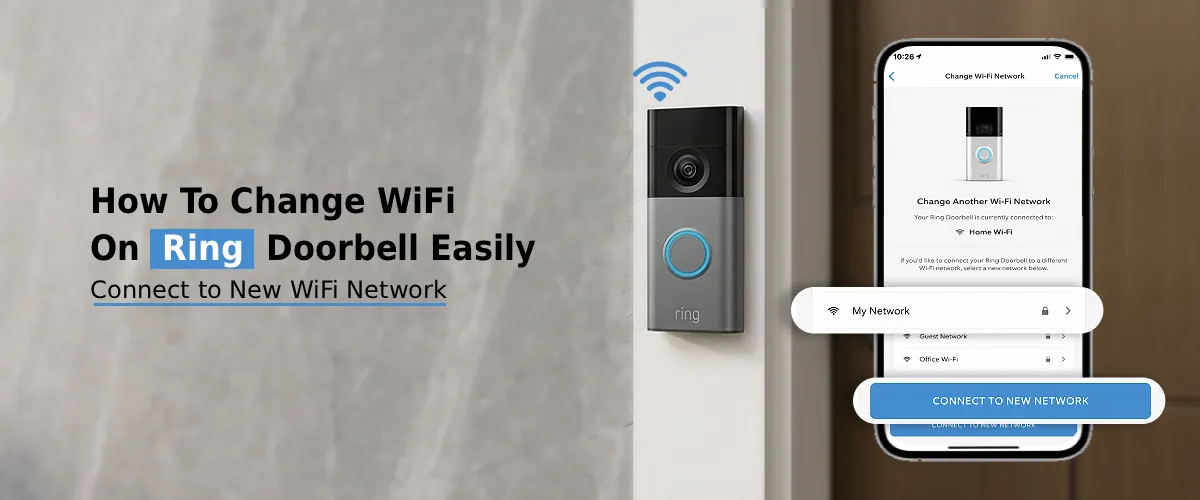
How to Change WiFi on Ring Doorbell Easily?
To change WiFi on Ring Doorbell, open Ring app, choose your device, go to Device Health, press Change WiFi Network,
How to Change WiFi on Ring Doorbell Easily? Read Post »
To change WiFi on Ring Doorbell, open Ring app, choose your device, go to Device Health, press Change WiFi Network,
How to Change WiFi on Ring Doorbell Easily? Read Post »
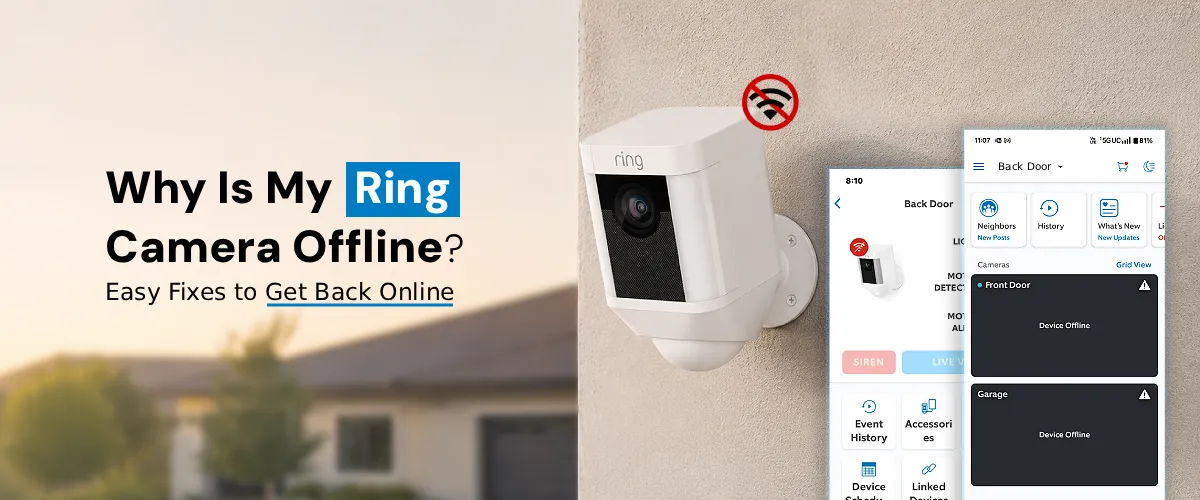
To fix Ring camera offline issue, check WiFi connection, restart router and camera, and ensure strong internet signal. The Ring
Why is My Ring Camera Offline?: Easy Fixes To Get Back Online Read Post »
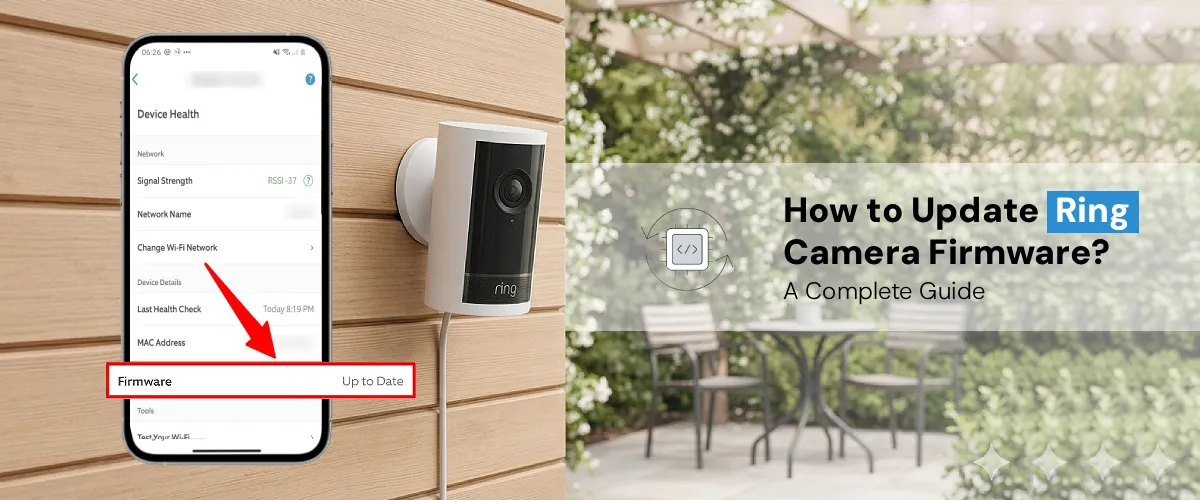
To update your Ring camera firmware, open the Ring App and check the device status. Firmware updates are usually automatic
How to Update Ring Camera Firmware? A Complete Guide Read Post »

To fix the Ring app not working issue, restart your phone, update the app, and check internet connection. Clear cache,
Why is My Ring App Not Working?: Here’s How to Fix It Read Post »
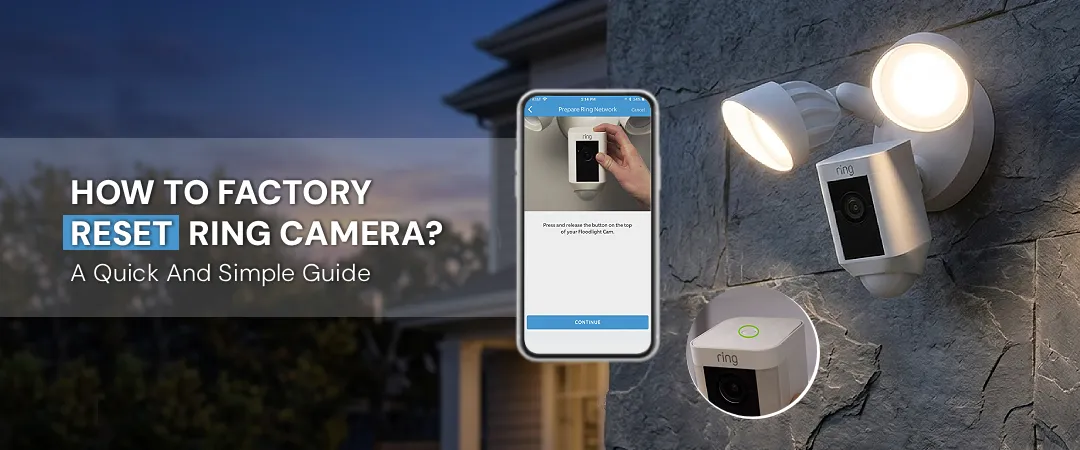
To fix factory reset issues on your Ring Camera, press and hold the setup button for 15–20 seconds until the
How to Factory Reset Ring Camera?: A Quick And Simple Guide Read Post »
This will close in 0 seconds