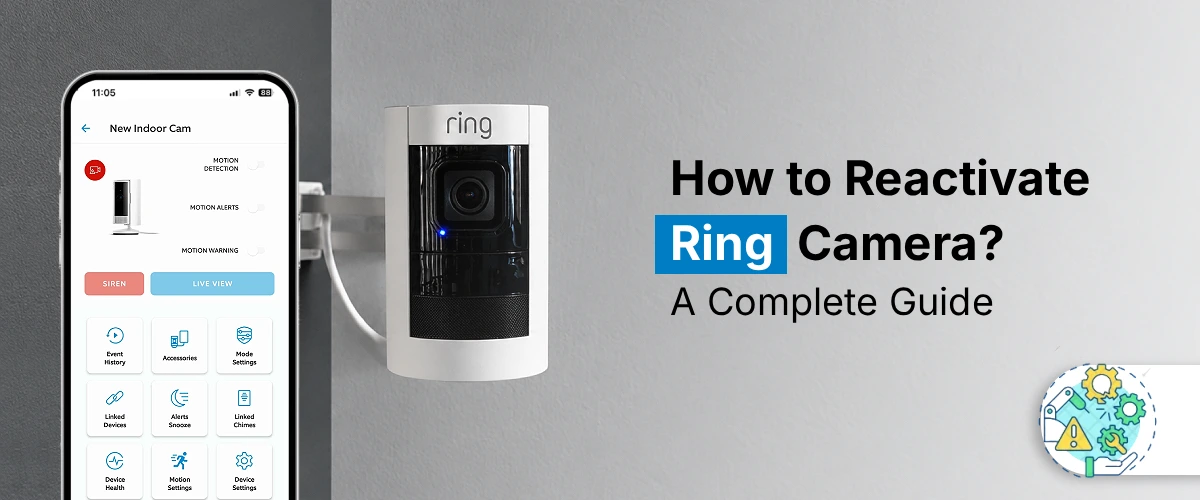
How to Reactivate Ring Camera? A Complete Guide
To reactivate Ring Camera, open the Ring app and sign in to your account. Select your camera from the device
How to Reactivate Ring Camera? A Complete Guide Read Post »
To reactivate Ring Camera, open the Ring app and sign in to your account. Select your camera from the device
How to Reactivate Ring Camera? A Complete Guide Read Post »
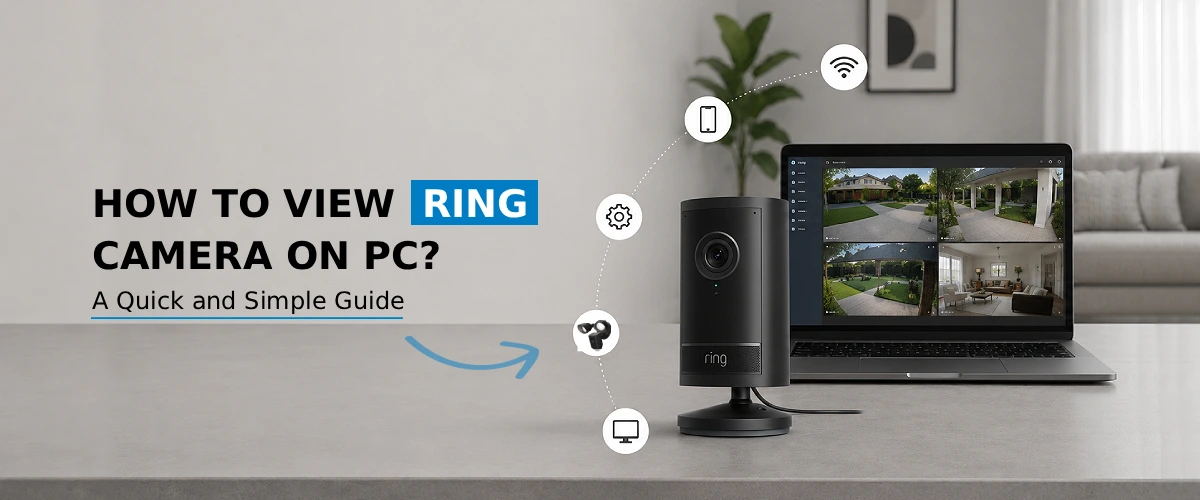
You can easily view your Ring camera on PC by logging into your account at ring.com through any web browser,
How to View Ring Camera on PC? A Quick and Simple Guide Read Post »
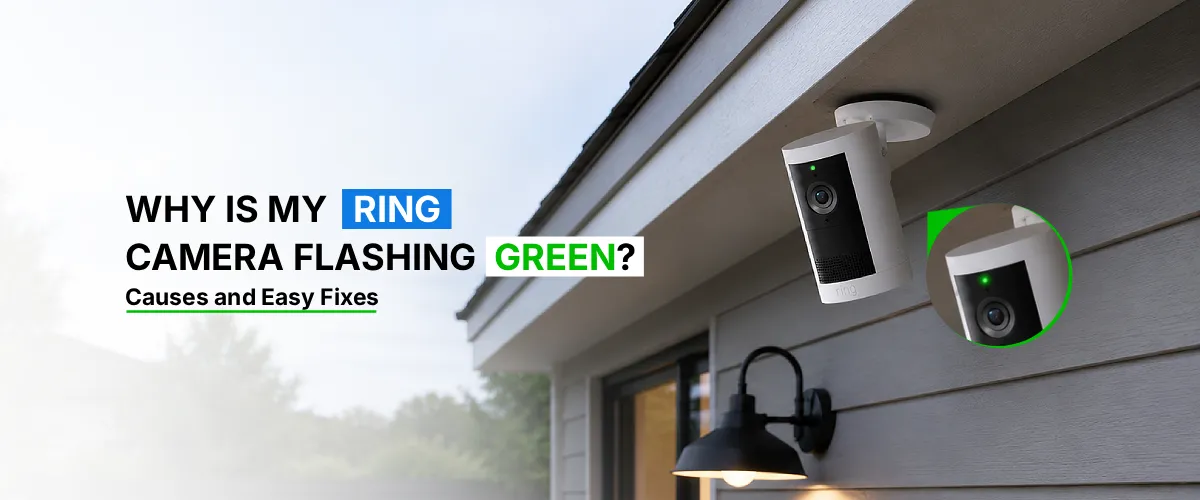
A Ring camera flashing green light usually means the device is either in Live View mode, actively recording, or communicating
Why Is My Ring Camera Flashing Green? Causes and Easy Fixes Read Post »
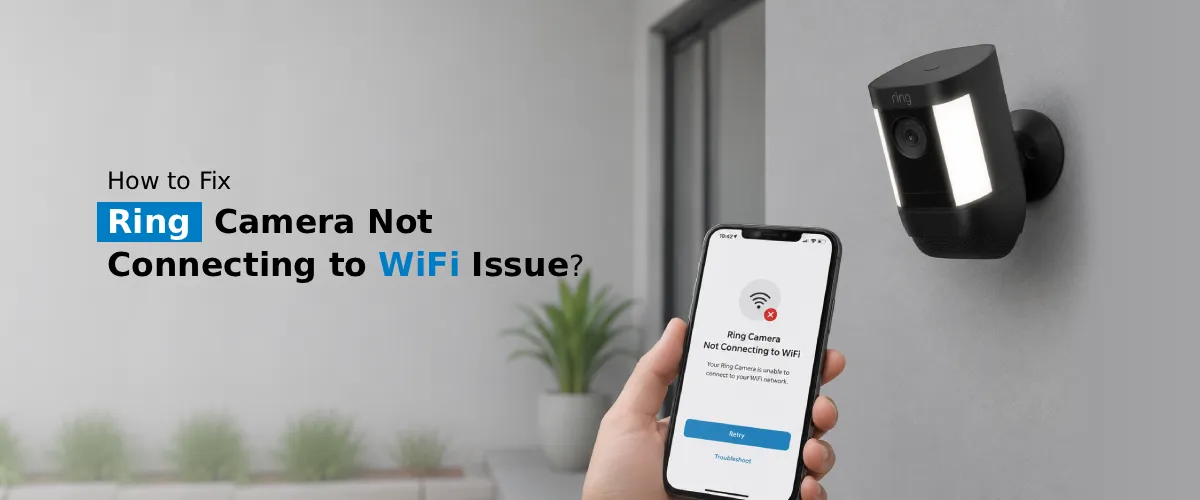
If your Ring camera is not connecting to WiFi, the issue is almost always caused by one of five things:
How to Fix Ring Camera Not Connecting to WiFi Issue? Read Post »
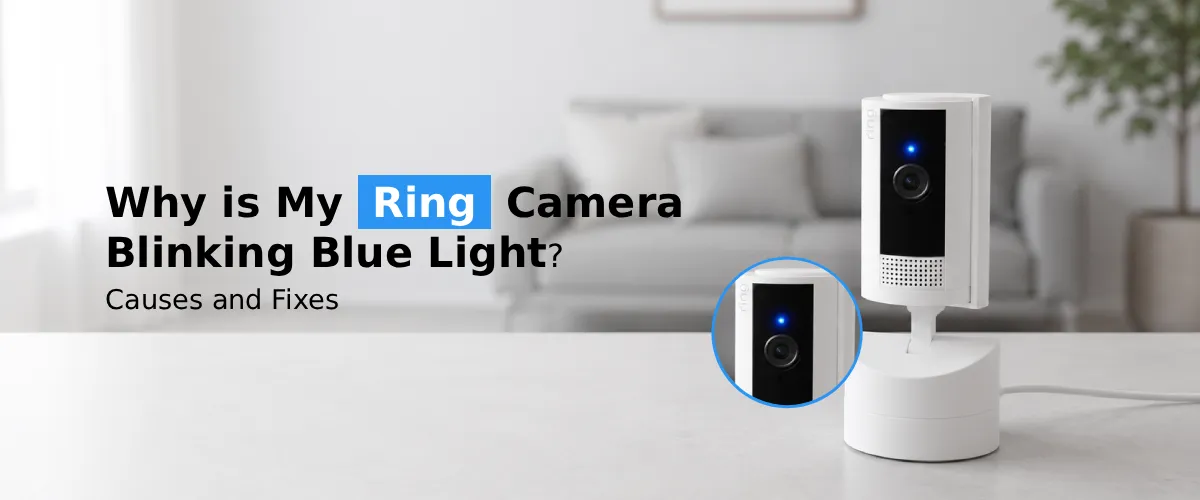
A Ring camera blinking blue light usually indicates it is starting up, connecting to Wi-Fi, updating firmware, or entering setup
Why is My Ring Camera Blinking Blue Light?: Causes and Fixes Read Post »
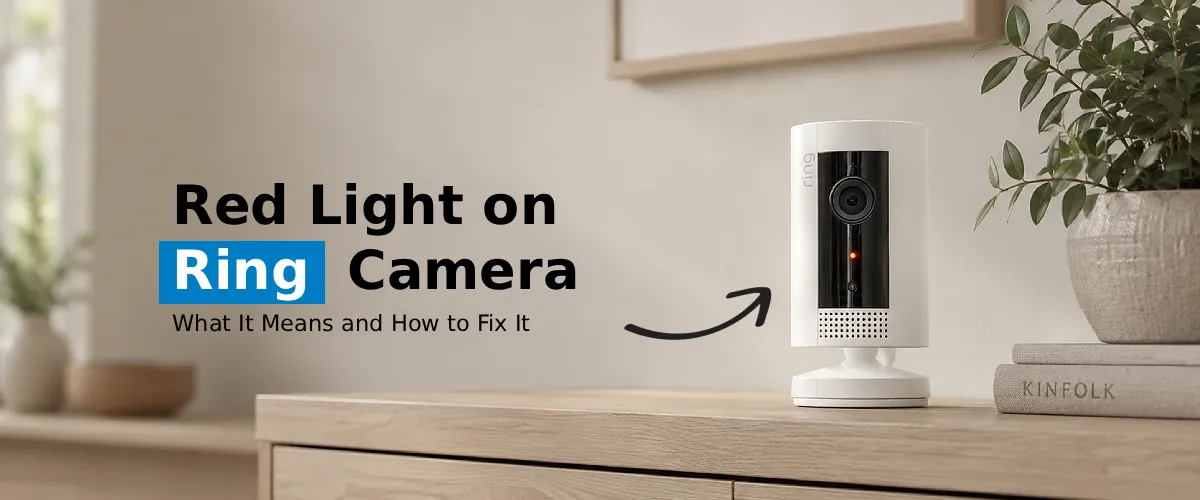
A red light on your Ring Camera usually indicates low battery, setup mode, or a connectivity issue. Charge the battery
Red Light on Ring Camera: What It Means and How to Fix It Read Post »
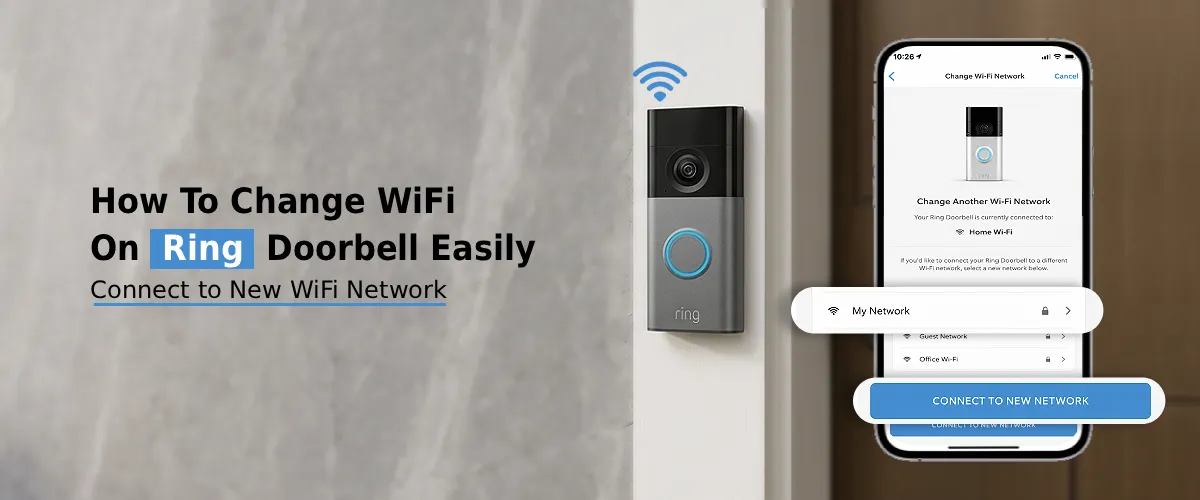
To change WiFi on Ring Doorbell, open Ring app, choose your device, go to Device Health, press Change WiFi Network,
How to Change WiFi on Ring Doorbell Easily? Read Post »
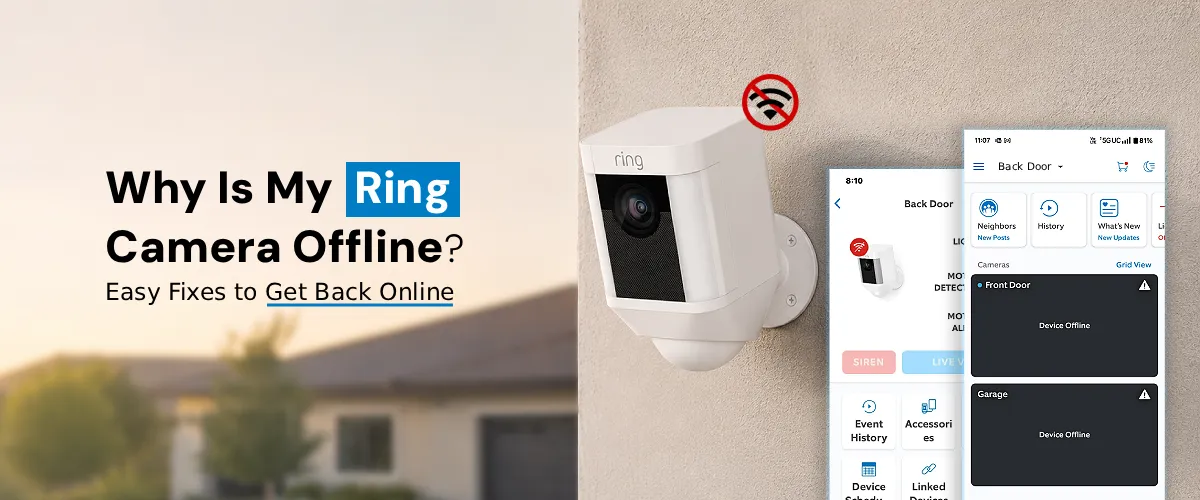
To fix Ring camera offline issue, check WiFi connection, restart router and camera, and ensure strong internet signal. The Ring
Why is My Ring Camera Offline?: Easy Fixes To Get Back Online Read Post »
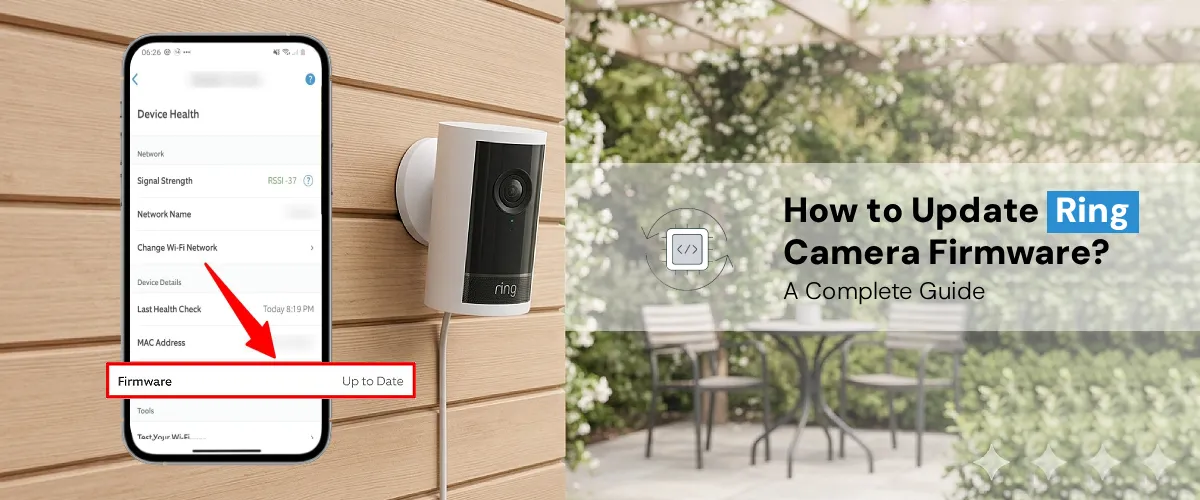
To update your Ring camera firmware, open the Ring App and check the device status. Firmware updates are usually automatic
How to Update Ring Camera Firmware? A Complete Guide Read Post »
This will close in 0 seconds