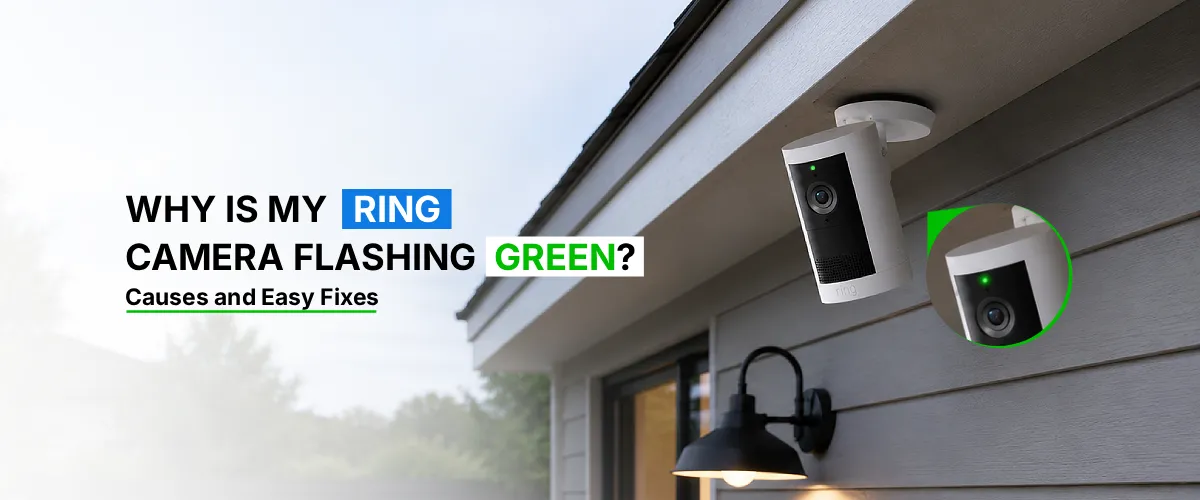
A Ring camera flashing green light usually means the device is either in Live View mode, actively recording, or communicating with the Ring app. In most cases, it’s completely normal and not a sign of malfunction. However, in rare cases, a green flashing light on Ring camera units can also point to firmware updates, Wi-Fi issues, or a temporary system glitch.
If you’ve noticed your Ring camera blinking green and wondered whether something’s wrong, you’re not alone. Ring doorbells and security cameras use different light colors and patterns to communicate their status, and green is one of the most common indicators homeowners see. While it can feel alarming at first, a green light is often just your camera doing its job. This article explains what triggers the ring camera flashing green light, how to tell the difference between normal behavior and an actual problem, and the easiest ways to fix it.
What Does a Green Light on a Ring Camera Mean?
The green LED ring on your device is Ring’s way of signaling that the camera is active in some capacity. Typically, this happens when:
- Someone is viewing the Live View feed through the Ring app
- The camera is recording a motion-triggered clip
- Two-way audio is currently in use
- The device is syncing with Ring’s servers
In short, a green flashing light on Ring camera hardware almost always means the camera is “in use,” either by you, another authorized user, or the system itself.
Common Causes of Ring Camera Flashing Green Light
Live View is Active
The most frequent reason for a ring camera blinking green is that someone opened the Live View feature in the Ring app. If a family member or shared user is checking the feed, the light will turn green automatically.
Motion-Triggered Recording
When your camera detects motion and starts recording, the green light activates during that capture window. This is expected behavior and confirms your motion detection is working.
Firmware Update in Progress
Sometimes the green flash appears because Ring is pushing a system update to your device. It’s a good idea to periodically update Ring camera firmware through the app to ensure smooth performance and avoid prolonged flashing during updates.
Wi-Fi Connectivity Issues
Unstable or weak internet can cause irregular lighting behavior, including flickering green lights as the camera repeatedly tries to reconnect to your network.
Device Syncing or Setup
If you just installed or reset your camera, a temporary green flash can occur while it syncs with your Ring account and local network. You can also sometimes see your Ring camera flashing red, which typically signals a connectivity problem, low battery, or setup error.
Rare Hardware Glitch
In uncommon cases, a stuck or continuously flashing green light with no app activity may indicate a temporary software bug rather than an actual hardware failure.
Easy Fixes for a Ring Camera Flashing Green Light
Check the Ring App for Active Live View
Open the Ring app and confirm no one is currently viewing the live feed. Closing the Live View session often stops the green light immediately.
Restart Your Device
Unplug the camera or remove the battery for 10-15 seconds, then reconnect. This clears minor software glitches that may cause the light to stay stuck.
Update the Ring Camera’s Firmware
Go to Ring App and select Devices/ Herein, pick the Device Health option and then click on the Firmware Status option. Make sure your device is running the latest version. An outdated firmware version can cause irregular light behavior, so it’s worth checking this first.
Improve Your Wi-Fi Signal
Move your router closer to the camera, reduce interference from other devices, or use a Wi-Fi extender. A stronger signal reduces reconnect attempts that can trigger flashing lights.
Reset the Device
If the issue persists, perform a factory reset using the setup button, then re-add the camera through the app. This resolves most persistent glitches.
Contact Ring Support
If the green light continues flashing without any app activity or explanation after trying the above steps, reach out to Ring’s official support team for hardware diagnostics.
The Final Word
A ring camera flashing green light or Ring camera blinking blue is typically nothing to worry about, it’s your device’s way of showing it’s actively working, whether that’s through Live View, motion recording, or a firmware update. If the light behavior seems unusual or doesn’t match any current app activity, a quick restart, firmware check, or Wi-Fi improvement will usually resolve the issue. And if problems persist, Ring’s support team can help diagnose any deeper hardware concerns.
Frequently Asked Questions
Yes. In most cases, it’s completely normal and simply indicates the camera is being viewed live, is recording motion, or is syncing with the app.
Close any active Live View sessions, restart the device, and ensure your firmware is up to date. If it continues, check your Wi-Fi connection or perform a factory reset.
Yes. Weak or unstable Wi-Fi can cause the camera to repeatedly attempt reconnection, which may result in flickering or prolonged green lighting.
It can. During a firmware update, the light may flash green temporarily as the device installs new software. This usually resolves on its own within a few minutes.
No. The green light is simply a status indicator and does not interfere with your camera’s ability to record or function properly.