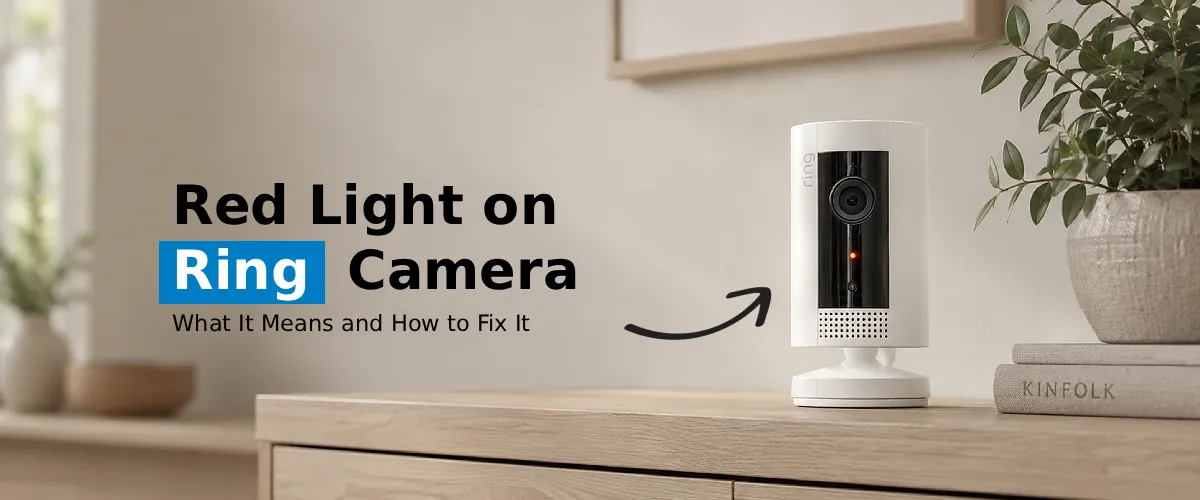
A red light on your Ring Camera usually indicates low battery, setup mode, or a connectivity issue. Charge the battery fully, check the Wi-Fi connection, restart the camera, and update the Ring app. If the red light remains, perform a factory reset and reconnect the device.
If you see that there is a red light on your Ring camera, then rest assured you’re not the only one experiencing this issue and wondering whether it indicates a slight malfunction or something more serious. Fortunately, in most instances, this issue can be resolved rather easily. Let’s look at each possible situation- be it a red light blinking on Ring camera or a constant red light on Ring camera.
What Does the Red Light Mean on a Ring Camera?
Ring camera uses LED lights to indicate the state of its functionality. Ring camera LED light when it is red could indicate different scenarios according to the mode of illumination. It either blinks, flashes in a sequence, or remains on steadily. However, red light normally indicates there is something wrong with the system.
This is just a quick list of the things that are indicated by each red light behavior:
- Solid red light on Ring camera- No internet connectivity or full network failure
- Ring camera Flashing red light or blinking- Low battery life, failure in Wi-Fi connection, or firmware upgrade process
- Intemittent red flashes- Difficulties re-connecting to your network
Knowing what each means is the first step in solving it.
Common Causes of a Red Light on Ring Camera
1. Wi-Fi Connectivity Issues
Red blinking in a Ring camera can be mostly attributed to a bad or poor wi-fi signal. In other words, your camera heavily relies on internet connectivity. Any failure to provide internet access will result in red blinking on your ring camera.
Solution:
- Check if other devices around the house are connected to the WiFi.
- Unplug the router and let it sit without power for 30 seconds.
- Place the router and the camera closer together to minimize signal disturbance.
- Use the Ring setup WiFi feature in the Ring app: Open Ring app → tap on three horizontal lines (menu) → then Devices → select your camera → then Device Health → Reconnect to Wi-Fi or Change Wi-Fi Network
These steps show how to connect your camera to Wi-Fi networks either newly or already created, without having to be tech-savvy at all.
2. Low or Dead Battery
In case your security device is battery operated, a ring camera flashing red light may be the only notification that it is running out of battery. Some people fail to notice this because they think that they will be notified on their mobile application.
What to do about it:
- Take out the battery pack and recharge it completely via the cable (usually takes 5-12 hours)
- Insert the battery and see whether the red light goes off
- Turn on your battery alerts in the Ring app to be notified when the battery runs down
3. Firmware Update in Progress
Sometimes, it is quite common for your ring camera to flash in red color if you update Ring camera firmware. It simply means that it’s updating its firmware on the back end. Ring releases periodic firmware updates to ensure better functioning and improved safety of your camera.
How to Fix it:
- Wait for about 10 to 15 minutes.
- Do not remove the power cord from the device or do a factory reset when there is a blinking light.
- After the firmware update has been done, the camera must now function normally with the blue light functioning as usual.
To manually start a Ring camera firmware update process, use the Ring app > then navigate to Device Health > and finally click on Firmware.
4. Setup or Pairing Mode
The red blinking lights on a ring camera can also be because of improper setting or loss of settings due to a number of reasons such as power failure or change in your router recently.
Fixes for the problem:
- Open the Ring app and select the “+” button to add your new device
- Follow the app instructions to reconnect your camera
- Make sure that your phone is on the same 2.4 GHz or 5 GHz band that your camera can use
5. Hardware Fault or Overheating
If nothing is solved by following any of the methods mentioned above, there might be chances that there is some issue with the hardware component in case the red LED is glowing persistently on the ring camera lens.
Solution:
- Make sure that your camera is not in the sun and is not in an enclosed environment.
- Check to see if there is any visible damage on your camera.
- Reach out to Ring Support if the problem still persists – some cameras may need to be replaced under warranty.
How to Reset Your Ring Camera
However, in case the aforementioned approaches fail, performing a factory reset on your Ring camera will prove to be the best method.
- Procedure to perform a factory reset on most Ring cameras:
- Look for the orange button (which is marked ‘setup’) located usually at the back of the device
- Press and hold it for about 15-20 seconds
- Release the button and the light flashes a few times.
- Wait until the camera resets (1-2 minutes).
- Re-establish the connection to the camera via the Ring app.
Tip: A factory reset Ring camera takes the device out of your Ring account, meaning you’ll have to set up the connection via the app again.
FAQs:
If you see your ring camera blinking red, it means there is no internet connection at all for the camera to connect. It can’t communicate with the Ring servers anymore. All you need to do is restart your modem and reconnect the camera with the help of the Ring app.
Yes. The other reason that can cause a red light on your ring camera is when the battery of the camera becomes critically low. All you need to do is charge the battery fully and insert it back again.
Yes, most likely. Resetting a Ring camera gets rid of issues such as connectivity problems, corruption of the device, and unsuccessful pairing that cause the red light. You will have to configure your Ring camera again using the Ring application.
In most cases, if there is failure in the connection and the camera starts blinking in red, then this may be due to credential mismatch, poor connectivity, or router compatibility issues. The first thing you should do in such a situation is restart the router.
If the red light still stays on even after factory resetting the camera, then it may be due to any hardware malfunction, a constant firmware problem, or your Ring account issues. Try updating the firmware using the Ring application. However, if none of that helps, you can consult Ring support team regarding the same.
The Final Word
Ring cameras are among the best gadgets you can buy on the market today. However, issues like red light on your Ring camera and more can turn your experience sour. If you are facing issues with your ring cameras and are looking for effective troubleshooting steps to help you out, you can always reach out to the team at our end now.